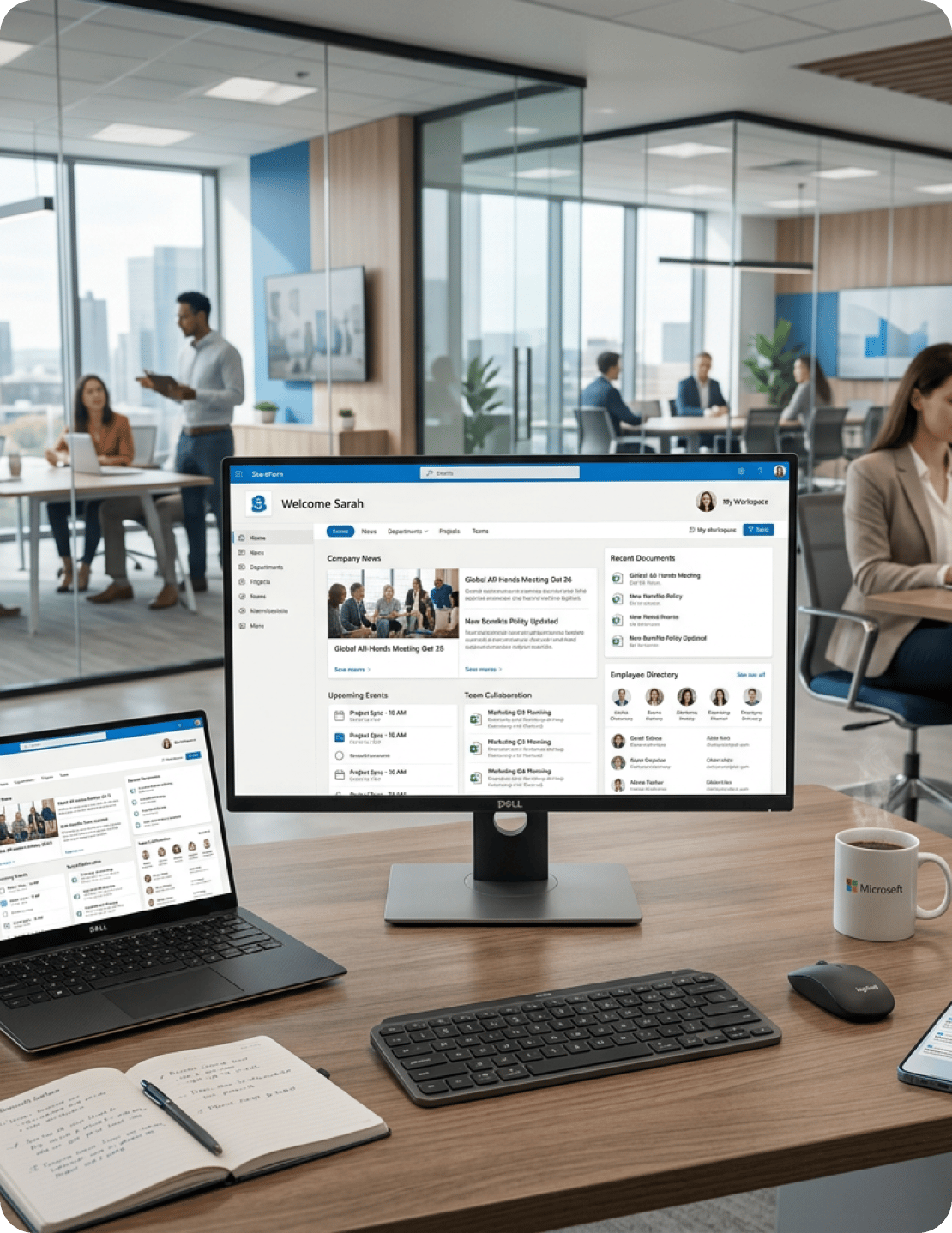
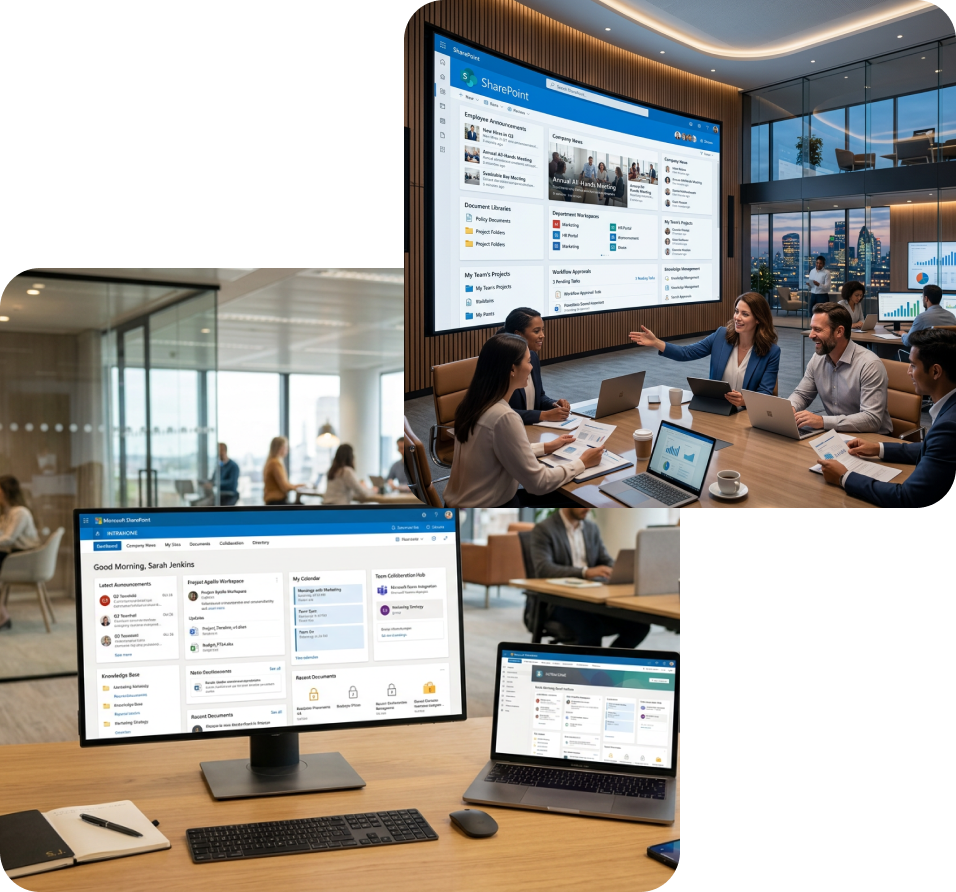
SharePoint Intranet Services

Replace scattered files and slow approvals with a SharePoint intranet that fits your teams

Many organizations still rely on intranets that no longer reflect how people actually work. Policies sit buried in folders that nobody can find quickly. Documents are scattered across SharePoint sites, Teams chats, email threads, and shared drives. Approvals move slowly because they depend on manual follow-ups that often stall mid-process.

A SharePoint intranet, when planned around real work patterns, gives employees a clear place to find content, submit requests, manage documents, and stay connected across Microsoft 365. Calance manages the full scope of SharePoint intranet services, from planning and information architecture through custom development, Microsoft 365 integration, migration, governance, and long-term support.

  • SharePoint Online and Microsoft 365 intranet planning
  • Custom workflows, document hubs, and business system integrations
  • Governance, adoption planning, and long-term SharePoint support

Get in Touch

SharePoint Intranet Services Tailored to Your Environment

Every organization uses SharePoint differently. Some need a new Microsoft 365 intranet built from scratch. Others need to clean up an existing SharePoint environment that has drifted over time. And some need better document control, workflow automation, migration support, or long-term administration. Calance shapes its SharePoint intranet services around your current setup, business goals, user base, and internal processes, rather than applying a fixed model to every engagement.

Intranet Strategy and Planning

 The work starts with discovery, so the intranet has a clear purpose before any design or development begins. The current environment, business goals, user needs, content structure, and project priorities are reviewed in detail to create a practical SharePoint intranet roadmap. 
What you can expect:
  • Stakeholder interviews and business requirement reviews
  • Assessment of the current intranet, content, and user journeys
  • A clear project roadmap with priorities, phases, and defined next steps

User Experience and Information Architecture

 Employees use an intranet when the structure makes sense to them. Navigation, page hierarchy, labels, metadata, and search paths are planned based on how teams actually look for policies, documents, forms, people, and departmental resources. 
What you can expect:
  • Clear navigation and site structure planning
  • Content grouping based on departments, roles, and business functions
  • Search-friendly metadata, content types, and page hierarchy

Custom SharePoint Intranet Development

 For organizations that need more than standard page layouts, custom SharePoint intranet features are built using SharePoint Framework, Power Apps, and custom web parts. This includes branded portals, service hubs, forms, dashboards, and role-based experiences shaped around the business. 

What you can expect:
  • Custom SharePoint Framework components and web parts
  • Branded intranet pages, portals, and department hubs
  • Business-specific features built around user, process, and operational needs

SharePoint Online Setup and Configuration

 For new Microsoft 365 intranet projects, SharePoint Online is configured with governance in mind from the start. This covers a planned approach to hub sites, communication sites, document libraries, content types, permissions, page templates, and admin settings. 
What you can expect:
  • SharePoint Online tenant and site setup
  • Hub site, site collection, and document library configuration
  • Permission groups, content types, and governance-ready settings

Migration from Legacy Intranets and File Systems

 Content is moved from older SharePoint versions, legacy intranet platforms, shared drives, and file servers into SharePoint Online through a controlled migration process. That process includes content review, mapping, cleanup planning, test moves, permission checks, and validation before final cutover. 
What you can expect:
  • Content audit and source-to-target migration mapping
  • Permission review, cleanup guidance, and migration planning
  • Migration validation using tools such as ShareGate and Metalogix

Microsoft 365 and Business System Integration

 A SharePoint intranet works better when it connects with the tools employees already use every day. SharePoint is integrated with Teams, OneDrive, Outlook, Power Automate, Power BI, Dynamics 365, CRM systems, ERP platforms, and HR applications based on what the business actually relies on. 
What you can expect:
  • SharePoint connections with Teams, OneDrive, Outlook, and Power BI
  • Workflow and notification setup through Microsoft 365 tools
  • CRM, ERP, HR, and business application connection planning

Workflow Automation and Digital Forms

 Manual requests slow down teams and make approvals harder to track. Power Automate, Power Apps, and SharePoint lists are used to build digital forms, approval routing, alerts, status tracking, and records for common business processes. 
What you can expect:
  • Digital request forms for HR, finance, IT, and operations
  • Approval routing with alerts, status updates, and ownership tracking
  • SharePoint-based records for completed requests and approvals

Document Management and Content Governance

 SharePoint document management is configured so content stays organized, secure, and easier to review over time. This includes document libraries, metadata, permissions, version history, retention rules, content ownership, lifecycle controls, and audit-ready structures. 
What you can expect:
  • Structured document libraries with metadata and version control
  • Role-based permissions, ownership rules, and content lifecycle planning
  • Retention, review, and audit support for regulated content

Where SharePoint Intranets Usually Fall Short

 A SharePoint intranet can become hard to use when content, permissions, workflows, and ownership grow without a clear plan. Over time, employees stop trusting the system because it takes too much effort to find what they actually need. 
Employees Cannot Find the Right Information
 Content gets added without structure. Without planned navigation, metadata, and page hierarchy, employees spend more time searching than working. Calance designs information architecture that makes the right content easier to surface. 
Documents Live in Too Many Places
Files tend to spread across shared drives, email threads, Teams chats, OneDrive folders, and local devices. Calance brings that scattered content into structured SharePoint document libraries with clear naming, permissions, version history, and defined ownership.
Teams Rely on Manual Approval Paths
 Requests that move through email or spreadsheets slow down decisions and make status difficult to track. Through Power Automate and SharePoint workflow automation, manual approval paths are replaced with digital processes that are easier to follow and audit. 
Old Intranet Pages No Longer Reflect the Business
Legacy pages often remain live long after the information on them is outdated. When employees keep running into old policies, broken links, or duplicate pages, trust in the intranet drops quickly. Calance reviews existing content, decides what to keep, restructure, archive, or retire, and builds a migration plan around those findings.
Permissions Are Hard to Manage
 When access is added informally over time, permissions become inconsistent and hard to audit. Calance implements role-based access controls and SharePoint governance policies that align with your security needs, team structure, and approval requirements. 
Search Results Feel Inconsistent
Poor metadata, unclear content types, and inconsistent tagging make SharePoint search far less reliable than it should be. Calance configures search schemas, managed properties, and content types so employees get more accurate and useful results. 
Microsoft 365 Tools Work in Separate Pockets
Teams, OneDrive, SharePoint, and Outlook often operate in isolation when there is no shared content strategy. This leads to duplicate files, missed updates, and constant context switching. Calance connects these tools so documents, conversations, alerts, and workflows support the same way of working. 
Legacy Content Makes Migration Risky
 Moving large volumes of content from old intranets, file shares, or on-premise SharePoint environments carries real risk when it is done without planning. Calance supports migration with content audits, source-to-target mapping, permission reviews, and validation using tools such as ShareGate and Metalogix. 
Employees Avoid the Intranet
 Low adoption usually traces back to poor structure, outdated content, weak search, or workflows that do not match how people actually work. Calance builds SharePoint intranets around real user needs and supports the rollout with training, documentation, and an adoption plan. 
IT Lacks a Clear Governance Model
Without defined ownership, naming rules, permission standards, and lifecycle controls, SharePoint environments tend to grow into site sprawl. Calance establishes a SharePoint governance framework shaped around your organization's size, security needs, content volume, and support model. 

Intranet Models Calance Can Shape Around Your Business

Intranet Model
Best Fit
Typical Components
Intranet Model
Organizations that need one shared place for company updates, employee resources, and business-wide communication
Homepage, news center, policy access, employee directory, global search
HR and employee resource hub
HR teams managing onboarding, benefits, employee forms, policies, and internal announcements
Policy libraries, HR forms, onboarding guides, benefits pages, HR contacts
Department intranet
Business teams that need dedicated spaces inside a larger SharePoint intranet
Team pages, document libraries, task lists, local updates, department contacts
Document control intranet
Organizations that need stronger control over documents, approvals, versions, and retention
Version history, approval workflows, retention rules, access controls, audit log
Project collaboration workspace
Project teams that need shared access to files, updates, tasks, and meeting records
Document libraries, task trackers, meeting notes, issue logs, Teams connection
Executive communication hub
Leadership teams that need a managed place to share company direction and updates
Leadership messages, announcement pages, video updates, policy notices
Hybrid enterprise intranet
Organizations using both SharePoint Online and on-premise SharePoint environments
Shared navigation, cross-environment search, access rules, and content mapping

What Goes Into a Modern SharePoint Intranet

 A well-built SharePoint intranet gives employees one clear place to read company updates, find documents, submit requests, and follow approved processes. The work starts with how your teams use content every day, not with a generic site template. That means a homepage built for internal communication, department spaces that organize team resources, policy hubs that stay current, and workflows that move requests forward without long email chains. 

Key components built into a modern SharePoint environment include:

GREEN orange

A branded company homepage with news and announcements

GREEN orange

Structured document libraries with metadata and version control

GREEN orange

Department and team collaboration spaces

GREEN orange

Policy and HR resource hubs with reliable search functionality

GREEN orange

An employee directory connected to Microsoft Entra ID

GREEN orange

Approval workflows and digital request forms

GREEN orange

Role-based access mapped to teams, locations, and user roles

GREEN orange

Microsoft Teams and OneDrive setup so content has a clear home

GREEN orange

Metadata-led search for more accurate and useful results

GREEN orange

Usage analytics so administrators understand what employees actually use

Still Forcing

Still Forcing Teams to Work Around the Intranet Instead of Using It Every Day?

Scattered files, slow approvals, and disconnected Microsoft 365 tools quietly drain time from every department. The cost rarely shows up in one place, which is why it tends to go unaddressed for years. Calance helps replace those everyday workarounds with a planned SharePoint intranet that gives teams a clear place to find content, manage requests, follow approvals, and work without constant friction.

Core Intranet Capabilities and Business Value

Capability
Why It Matters
Branded home page
Gives employees a familiar starting point for news, links, documents, and company updates
Department landing pages
Keeps each team’s files, contacts, updates, and resources in a clear SharePoint space
News and announcements
Allows internal teams to publish company updates without waiting on IT for every change
Employee directory
Helps employees find the right person, team, location, or department contact faster
Role-based access
Keeps sensitive content protected while giving the right users access to the right files
Forms and request workflows
Turns email-based requests into trackable digital processes with clear status and ownershi
Approval routing
Moves decisions through the right reviewers and keeps a record of each approval step
Metadata and advanced search
Helps employees find content by topic, team, document type, owner, or keyword
Teams and OneDrive connection
Keeps shared files tied to the right SharePoint locations instead of scattered links
Power BI dashboards
Brings useful reports and business views into the intranet for faster reference
Mobile-friendly access
Helps remote teams, field staff, and non-desk employees reach content when they need it
Usage analytics
Shows admins which pages, documents, and resources employees actually use

How We Plan and Deliver the Engagement

 Calance follows a defined SharePoint intranet delivery process where every step has a clear reason behind it. The current setup is reviewed, content and permissions are assessed, the right structure is planned, and the work is sequenced around what matters most to users, IT teams, and business stakeholders. 
How We Plan and Deliver the Engagement-1

Business and User Discovery

  • Stakeholder conversations to understand business goals, user groups, and current pain points
  • Review of how employees find, create, share, and approve content day to day
  • Capture of department-specific needs across HR, IT, operations, finance, and leadership

Current Environment Review

  • Assessment of existing SharePoint sites, intranet pages, and document libraries
  • Review of site structure, content volume, access rules, and accumulated technical debt
  • Identification of gaps in search, navigation, workflows, and Microsoft 365 usage

Content and Permission Assessment

  • Documentation of what content should stay, move, update, archive, or retire
  • Mapping of content owners, site owners, user groups, and approval roles
  • Review of permissions so sensitive content stays controlled and fully traceable

Roadmap and Cost Planning

  • A phased delivery plan built around business value, effort, and risk
  • Defined milestones, delivery stages, ownership, and key decision points
  • A clear view of scope, timing, and cost for both IT and business teams

Experience, Build, and Testing

  • Design of navigation, hub sites, page templates, and overall content structure
  • Configuration of SharePoint, workflows, forms, permissions, and integrations
  • Testing of pages, search, access, workflows, and user paths before launch

Migration, Training, and Reporting

  • Content moved through a tested migration plan with full validation checks
  • Training for admins, site owners, and end users on daily intranet tasks
  • Launch findings, adoption signals, and clear next-step recommendations shared with the team

Connecting SharePoint with Microsoft 365 and Business Systems

A SharePoint intranet works best when it connects with the tools employees already use every day. Calance sets up those connections between SharePoint, the rest of Microsoft 365, and other business systems, so documents, alerts, approvals, and reports stay close to where the actual work happens.

 Beyond Microsoft, SharePoint is connected with Dynamics 365, Salesforce, ERP platforms, HR systems, and document management tools as the business requires. These connections cut down on duplicate work and make the intranet genuinely useful across teams, rather than another isolated system to maintain.
 

Within the Microsoft 365 ecosystem, SharePoint is typically connected with:

A branded company homepage with news and announcements
Structured document libraries with metadata and version control
Department and team collaboration spaces
Policy and HR resource hubs with reliable search functionality
An employee directory connected to Microsoft Entra ID
Approval workflows and digital request forms
Role-based access mapped to teams, locations, and user roles
Microsoft Teams and OneDrive setup so content has a clear home
Metadata-led search for more accurate and useful results
Usage analytics so administrators understand what employees actually use

Where a SharePoint Intranet Creates the Most Value

HR teams manage employee-facing content, including policies, benefits information, onboarding guides, forms, and company updates. A planned SharePoint intranet gives employees a clear place to find answers before raising a ticket or reaching out to HR directly.

  • Fewer repeat HR questions through self-service content access
  • Current policy access across departments, roles, and locations

Sales teams need fast access to pitch decks, contracts, pricing files, proposal templates, and client-ready documents. A SharePoint document hub keeps approved sales content organized, searchable, and easier to keep up to date.

  • Quicker access to current sales collateral and approved templates
  • Less time lost searching across email threads, drives, and old folders

Marketing teams handle campaign assets, brand files, creative reviews, and ongoing agency collaboration. SharePoint gives them a shared space to manage content, feedback, approvals, and final files without losing track of versions along the way.

  • Clearer creative review and approval paths
  • Organized asset libraries for internal teams and external agency partners

Finance teams work with budgets, reports, invoices, and other sensitive documents that require strict access control. SharePoint document management helps protect financial content while preserving version history and review records.

  • Controlled access to reports, budgets, invoices, and financial files
  • Retention and lifecycle rules that align with audit requirements

Operations teams rely on current SOPs, process notes, location updates, and shared reference materials. SharePoint keeps operational content in one place, so employees across locations follow the same approved process.

  • Central access to SOPs and operational reference materials
  • Better coordination across locations, teams, and business functions

Service teams depend on product details, escalation steps, response templates, and support procedures. SharePoint keeps this information current and easier to reach when teams need quick answers under time pressure.

  • Faster issue handling through easier access to support resources
  • Consistent customer response templates across the service team

Supply chain teams manage supplier records, compliance documents, logistics files, and ongoing process updates. SharePoint brings these high-volume document sets into a clearer structure with proper version control and defined ownership.

  • Organized supplier records and compliance documentation
  • Clearer document status across supply chain processes

IT and compliance teams manage policies, audit records, access rules, change requests, and security documentation. SharePoint gives them the control, ownership, and audit trail needed to manage governance more effectively over time.

  • Central audit documentation, policy records, and change history
  • Clear site ownership and permission accountability

Why Calance for SharePoint Intranet Services

 Calance brings hands-on SharePoint intranet experience across planning, development, migration, governance, and ongoing support. The team works alongside IT, HR, operations, compliance, and leadership groups to build intranets that fit the way the business actually operates, not the way a template assumes it should. 

SharePoint experience across environments

Calance works across SharePoint Online, on-premise SharePoint, and hybrid setups. That breadth allows the intranet plan to reflect both your current environment and where the business needs to head next.

Custom development and Microsoft 365 integration

Custom SharePoint features are built using SPFx, Power Automate, and Power Apps, with SharePoint connected to the Microsoft 365 tools employees already work in every day. Connections are shaped around real use, not added as an afterthought.

Support beyond launch

The engagement does not end at go-live. Calance stays involved through launch, training, adoption, updates, and long-term support, with 24x7x365 options available for organizations that need continuous SharePoint assistance.

Is Your SharePoint Intranet Helping Your Teams Work, or Quietly Slowing Them Down?

When employees still chase documents, ask the same questions repeatedly, or push approvals through email threads, the intranet has stopped serving the business. The signs build up gradually, which is why the underlying issue often goes unaddressed until the daily friction becomes too obvious to ignore.

The existing SharePoint or intranet environment is reviewed in detail, content gaps are identified, structural issues are resolved, and a roadmap is built around your users, security needs, and technical constraints. From there, Calance designs, builds, and supports a SharePoint intranet that improves communication, document access, collaboration, governance, and workflow automation across the organization.

Is Your SharePoint Intranet Helping Your Teams Work, or Quietly Slowing Them Down

Frequently Asked Questions

How much does a SharePoint intranet project cost?
 The cost of a SharePoint intranet depends on content volume, migration needs, custom features, workflows, and support scope. Calance reviews your current setup first, then provides a phased plan with clear effort and cost details. 
Can a SharePoint intranet be customized for different departments?
 Yes. Calance can create department spaces for HR, finance, sales, operations, IT, and leadership teams. Each area can have its own documents, workflows, permissions, pages, and business-specific content. 
How secure is a SharePoint intranet?
SharePoint supports role-based access, permission groups, version history, audit logs, and Microsoft Entra ID controls. Calance configures these settings around your users, teams, sensitive documents, and compliance needs.
Can employees access the SharePoint intranet from mobile devices?
Yes. Employees can access SharePoint content from mobile devices when permissions, page design, and Microsoft 365 settings are configured correctly. This helps field teams, remote staff, and non-desk employees stay connected. 
Who should own and manage the SharePoint intranet after launch?
Ownership usually sits across IT, communications, HR, and department site owners. Calance helps define roles, publishing rules, content review cycles, and governance steps so the intranet stays useful after launch.