
6 Apr 2026

Many organizations reach a stage where their internal IT teams are carrying more work than they can reasonably manage. Co-managed IT gives them a workable way to keep internal IT knowledge in place while bringing in a managed service provider for added support, wider coverage, and deeper technical skills. In this shared model, the in-house IT team and the MSP divide responsibilities for infrastructure, user support, security tasks, and ongoing system management.
Co-managed IT services also add clearer processes and extra support in areas such as cybersecurity, cloud operations, compliance, monitoring, and after-hours response that may be hard to cover fully in-house. The partnership can shift as business needs change, which helps companies expand co managed IT services without losing control of priorities or internal oversight. In this blog, we explain how this working model is set up, how daily operations are handled, and why co-managed IT solutions are useful for organizations with lean IT teams, skill gaps, or changing support demands.
What Defines a Co-Managed IT Model
The Partnership Approach to IT Management
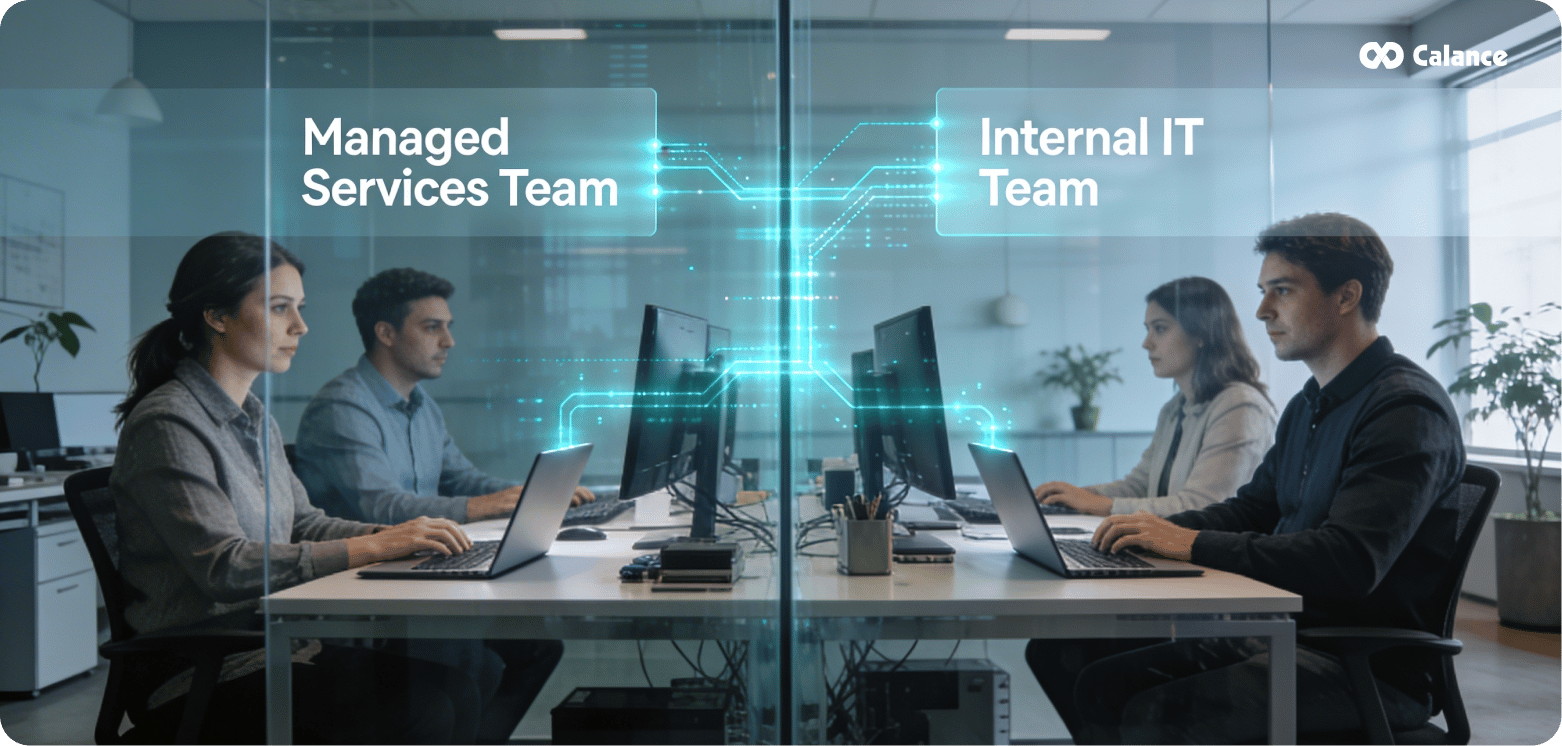
Co-managed IT services create a collaborative model where an MSP works alongside your internal IT department instead of replacing it. In this setup, the MSP works as an extension of your existing team, adding specialist skills, broader coverage, and operational support, while your staff keeps control over priorities, approvals, and key technology decisions.
In practice, this partnership works through shared responsibility for day-to-day IT outcomes. The MSP brings people, processes, and platforms, including remote monitoring and management tools, patching systems, ticketing platforms, backup oversight, and security support. At the same time, your internal team keeps ownership of architecture, business-critical systems, internal workflows, and the company knowledge that outside providers do not fully have.
The services usually included in a co-managed arrangement may cover:
- Help desk support
- Advanced tier 2 and tier 3 technical support
- Network monitoring and management
- Cybersecurity support
- Cloud migration support
- Backup and disaster recovery assistance
- Vendor coordination
- Strategic IT consulting
Even so, the exact split depends on your organization. You decide which functions the MSP handles and which responsibilities stay with your internal staff.
As a result, this approach allows your IT department to offload routine operational work that takes up time and energy, while focusing more on planning, improvement work, and roadmap execution. The MSP usually takes care of infrastructure management, monitoring, maintenance, and projects that need deeper technical experience. Meanwhile, your internal staff can stay focused on end-user support, business alignment, internal communication, and the systems that need close company knowledge.
Because IT environments keep getting more complex, the demand for these partnerships continues to rise. Many organizations now use co-managed IT when they need stronger support coverage, added technical depth, better security support, and a clearer division of work between internal teams and external specialists.
When Organizations Choose Co-Managed IT Solutions
Organizations usually choose co-managed IT solutions when they already have an internal IT team but need added support, wider coverage, or specialist skills in key areas. This model fits mid-sized and growing companies especially well, because these businesses often have capable internal staff yet still face rising demands that are difficult to manage with in-house resources alone.
Common situations include:
- Internal teams carrying too many responsibilities at once
- Skill gaps in areas such as cybersecurity, compliance, cloud operations, or backup management
- High-risk environments that need stronger monitoring and faster response
- Large projects such as infrastructure upgrades, cloud moves, or platform changes
- Office relocations, mergers, or expansion efforts that require extra IT coordination
- Periods of staff shortage, leave, or temporary workload spikes
In addition, co-managed services give organizations extra support during busy periods and help reduce pressure on internal teams. This model also helps businesses access outside expertise without building a larger full-time IT department. So, instead of losing internal control, companies gain added capacity, stronger technical coverage, and a more flexible way to handle changing IT demands.
Calance’s co-managed IT model is built to support internal IT teams, not replace them. It gives organizations added coverage, specialist support, and operational capacity while internal staff continues to lead priorities, approvals, and key technology decisions. This approach works especially well for growing businesses that need a flexible way to handle rising IT demands without losing internal control.
Structuring the Working Relationship Between MSPs and Internal IT
Initial Goal Alignment and Capability Assessment
Setting up a co-managed IT partnership starts with defining shared goals that support business objectives, not just technical targets. First, we work with the MSP to agree on clear outcomes such as faster project delivery, fewer repeat incidents, better end-user experience, stronger coverage, and more stable systems. To support this, both sides should document a RACI matrix that clearly shows who is responsible, accountable, consulted, and informed across infrastructure, security, support, and change management.
Next, the capability assessment takes a close look at current processes, tools, and infrastructure. We review where delays happen, where security controls are weak, which systems create extra manual work, and whether the current environment can support future growth. This process helps identify where our internal team is strong and where the MSP can add needed support, specialist knowledge, or operational depth.
Dividing Infrastructure and Security Responsibilities
Internal IT usually leads business alignment, internal priorities, approval authority, and key security decisions, while the MSP supports service delivery, monitoring, maintenance, and operational coverage. However, in a strong co-managed model, responsibilities are assigned based on capability, access level, and business need, not just by drawing a hard line between the two teams. In most cases, this means separating repeatable operational work such as network monitoring, backups, patching, endpoint maintenance, and software updates from higher-control duties such as architecture planning, policy direction, compliance ownership, and major infrastructure decisions. The MSP often manages continuous monitoring, patch execution, alert handling, and routine response tasks. Meanwhile, our internal team stays focused on approvals, system design choices, risk decisions, and oversight of business-critical systems.
Project Delivery and Strategic Initiatives
Strategic planning becomes more effective when the MSP is involved early in infrastructure and technology initiatives. In that case, they can support budgeting, technical planning, rollout sequencing, and service coordination, while our internal team keeps control over priorities, risk decisions, and business alignment. This gives the organization both execution support and internal oversight at the same time. As projects move forward, the MSP can take on technically heavy work such as cloud migrations, platform upgrades, security control rollouts, backup modernization, and infrastructure standardization. At the same time, our internal staff continues to guide direction, review impact, and confirm that the work fits company needs, internal policies, and long-term plans.
End-User Support Distribution
Service desk coordination works best when both teams operate with shared visibility and clear escalation paths. For that reason, internal IT and the MSP should work through synchronized ticketing systems or a tightly connected service desk process so issues can be tracked from start to finish. This helps both sides see progress, understand ownership, and avoid confusion during handoffs. As a result, issue routing becomes faster and more consistent. Basic support, overflow requests, after-hours coverage, and routine incidents can move to the MSP, while internal IT can stay focused on user relationships, business-sensitive issues, executive support, and cases that require deeper company context. This shared support model improves accountability and usually reduces delays in resolution.
Procurement and Vendor Management
Co-managed vendor management helps create more structure across relationships with hardware vendors, software providers, cloud platforms, and outside service partners. In this setup, the MSP can help track renewals, review service levels, monitor vendor performance, and support technical coordination, while our internal team keeps control over final decisions, internal priorities, and business impact. Because of that, communication becomes more organized and less fragmented. Instead of vendors receiving mixed direction from different contacts, there is a clearer process for reviews, escalations, planning, and renewals. This not only improves vendor accountability but also helps control costs, reduce overlap, and support better decisions across the IT environment.
Making Day-to-Day Collaboration Work
Operational success in co-managed IT services depends on putting clear systems in place for access, communication, and performance tracking from the start.
Setting Up Shared Access and Security Controls
Co-managed dashboards give both teams visibility into cybersecurity alerts, reports, and system configurations, so they can work together with better context. We set up shared access to monitoring platforms, incident response tools, and security systems, while also applying tight controls around privileged accounts and sensitive admin actions.
Privileged access management becomes especially important when MSP engineers work across multiple client environments. We define which roles need elevated rights, document approval steps, and keep audit trails for every administrative action. This approach also helps address security reviews from customers, auditors, and insurers who now look more closely at how MSPs manage high-level access.
Establishing Communication Protocols
The ticketing system serves as the base for all co-managed IT collaboration. Every interaction, troubleshooting step, handoff, and escalation should be recorded in tickets so miscommunication and information gaps are less likely. We also set up shared project management platforms, define escalation paths with clear response SLAs, and hold regular sync meetings to keep priorities aligned.
When communication follows a clear structure, both teams work with less confusion and less repeated effort. As a result, routine work moves faster, handoffs become smoother, and both sides can operate with the same understanding of current issues, ownership, and next steps.
Monitoring and Reporting Frameworks
Co-managed governance works best when both teams follow a shared operating rhythm. We run weekly standups to review immediate issues, monthly service reviews to track patterns and service quality, and quarterly strategy sessions to plan for longer-term needs. At the same time, SLAs should cover shared queues and escalation paths so accountability stays clear at every important handoff.
Reporting should combine MSP metrics such as ticket volume, patch status, backup health, and MFA coverage with internal business KPIs such as release timing, service impact, and audit findings. This combined view gives both teams a clearer picture of system health and, just as importantly, helps show real value to leadership.
Calance helps make co-managed IT collaboration more effective by putting clear access controls, structured communication, and shared reporting in place. This creates smoother coordination, stronger accountability, and better day-to-day alignment between internal IT teams and external support.
Why the MSP-Internal IT Partnership Model Works
This partnership model delivers practical advantages that go beyond simple task distribution.
Your Internal Team Maintains Strategic Control
We retain ownership of technology decisions, internal policies, and architectural direction. The MSP supports execution, operational coverage, and specialist work based on agreed responsibilities, while our team continues to set priorities, approve key changes, and validate technology choices. As a result, we keep control over the IT environment without limiting our ability to get more work done.
- Internal IT keeps control of priorities, approvals, and architecture
- The MSP adds execution support without taking over decision-making
Access to Specialized Expertise When Needed
Co-managed IT solutions give us access to security specialists, cloud engineers, compliance support, and other technical expertise without the delay and cost of hiring every role internally. This is especially useful for projects that need advanced skills for a limited period. In turn, we get experienced support for complex work while avoiding the long process of recruitment, onboarding, and internal training.
- Specialist support can be added when projects or risks require it
- The business gets deeper technical coverage without expanding full-time headcount
Operational Support Without Losing Business Context
Our internal staff keeps the business knowledge that is difficult for an outside provider to fully replace. At the same time, the MSP takes on routine maintenance, monitoring, patching, support overflow, and other repeatable operational work. Because of this split, our team can spend more time on internal priorities and major initiatives while still keeping close control over company-specific systems and workflows.
- Internal IT keeps business context, user understanding, and system familiarity
- The MSP reduces day-to-day workload by handling repeatable operational tasks
Adaptability as Your Organization Grows
The model can expand or shift based on current priorities, staffing levels, and technical demands. That flexibility helps us add support during growth periods, major projects, security upgrades, or temporary staffing gaps without making permanent structural changes too early. So, instead of locking the business into a rigid support model, co-managed IT gives us room to adjust resources as needs change.
- Support levels can increase or shift as the organization changes
- Growth becomes easier to manage without adding fixed overhead too quickly
Conclusion
Co-managed IT gives organizations a practical way to keep internal control while adding the support, coverage, and technical depth needed to run IT more effectively. Internal teams continue to lead priorities, approvals, and long-term direction, while Calance provides structured execution across day-to-day operations, monitoring, after-hours response, and specialized technical work. When this model is set up with clear ownership, clean handoffs, and consistent reporting, it improves stability, reduces pressure on internal staff, and creates a stronger operating rhythm across the IT environment. At Calance, our Co-Managed IT Services are built to work as an extension of your team, helping you strengthen uptime, security, and scale without losing control of your standards or priorities.
Let’s Build Your Digital Future Together
Tell us about your business challenges — we’ll help craft the right solutions.
Book a Free Consultation →